

Range
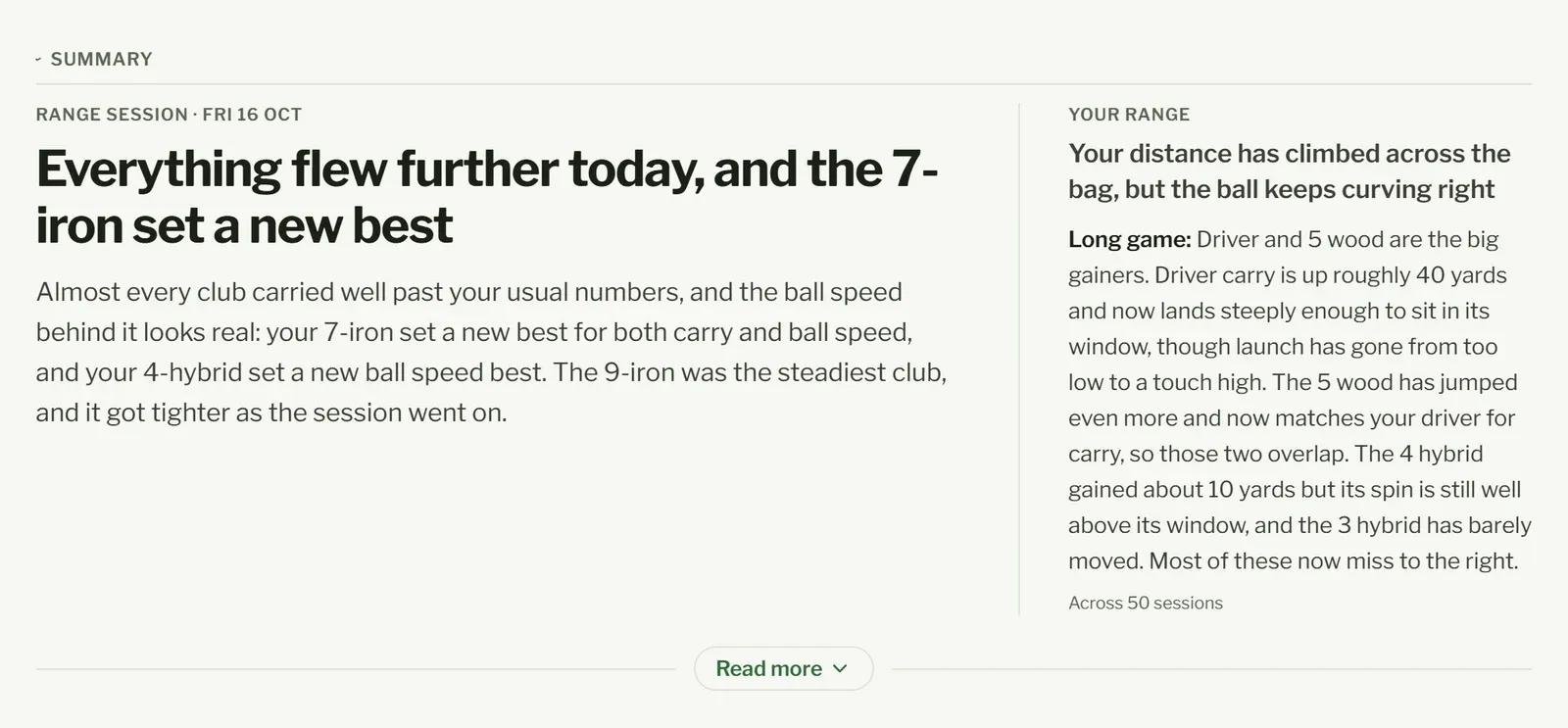
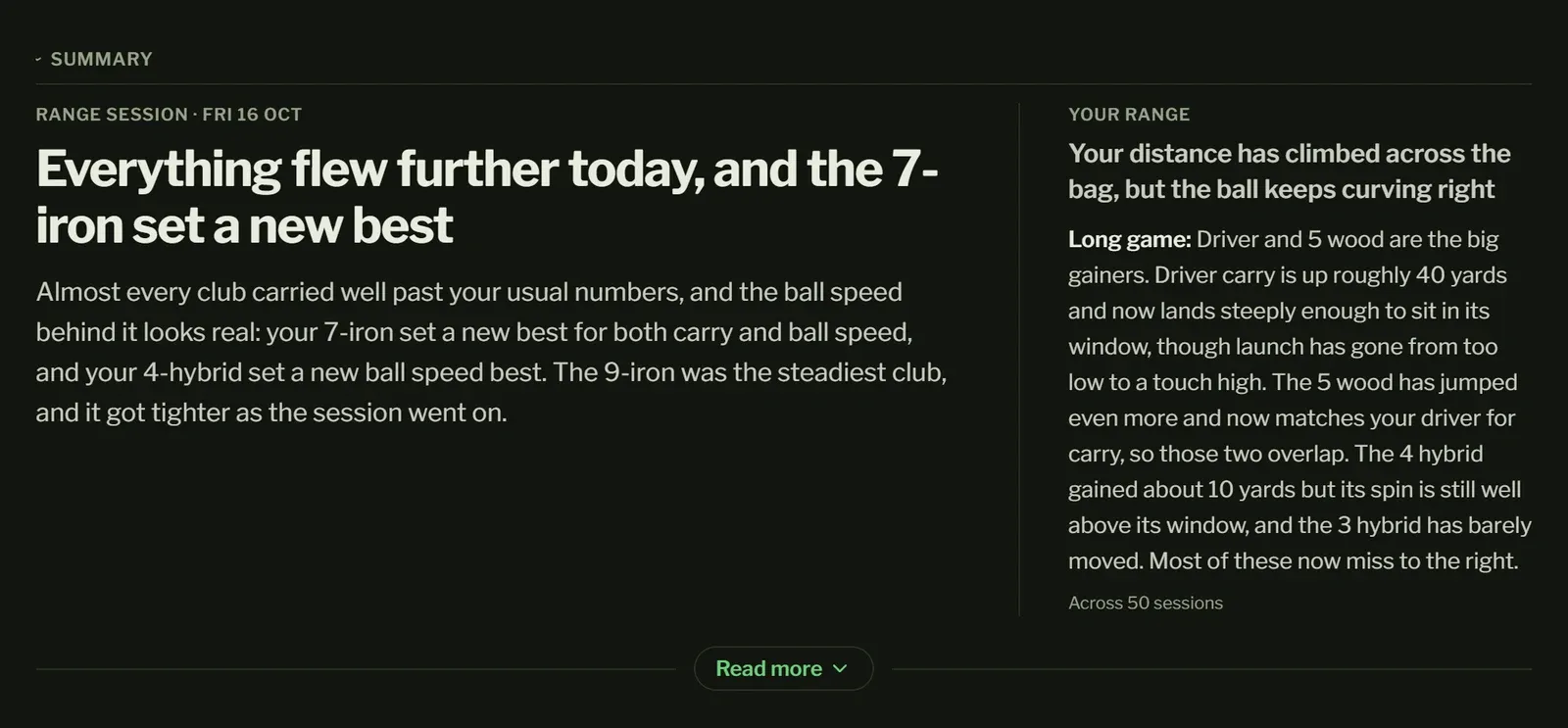
At the top: your latest session’s summary, with Your range beside it on how your bag is getting on (the overall summary, as on Home). Read more opens the rest of both.
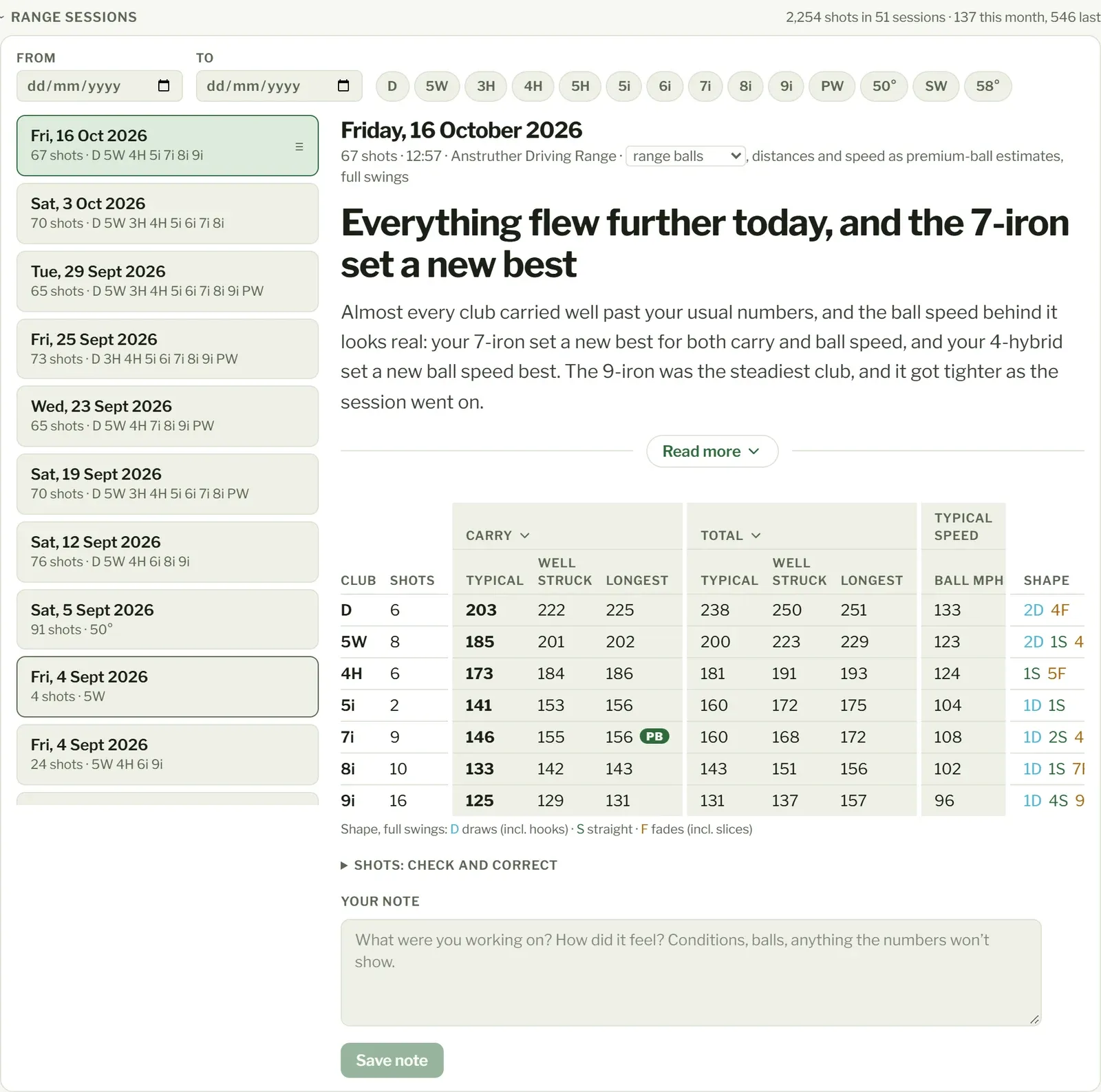
Beside the Range sessions title: your shots (and across how many sessions) and your shots this month, against all of last month (early in a month this is low; that’s not a slump). These count every shot, even ones left out of your other numbers.
Range lists your range sessions, newest first: the date, how many shots and which clubs. A note icon means you’ve added a note, and ≡ means it has a summary.
Narrow the list with From and To dates, a Location (where your file says you hit them, if it does) or one or more clubs. Clear filters shows them all again.
A session is one visit to the range. If your file has a session column, that’s used; if not, each day’s shots are one session.
Reading a session
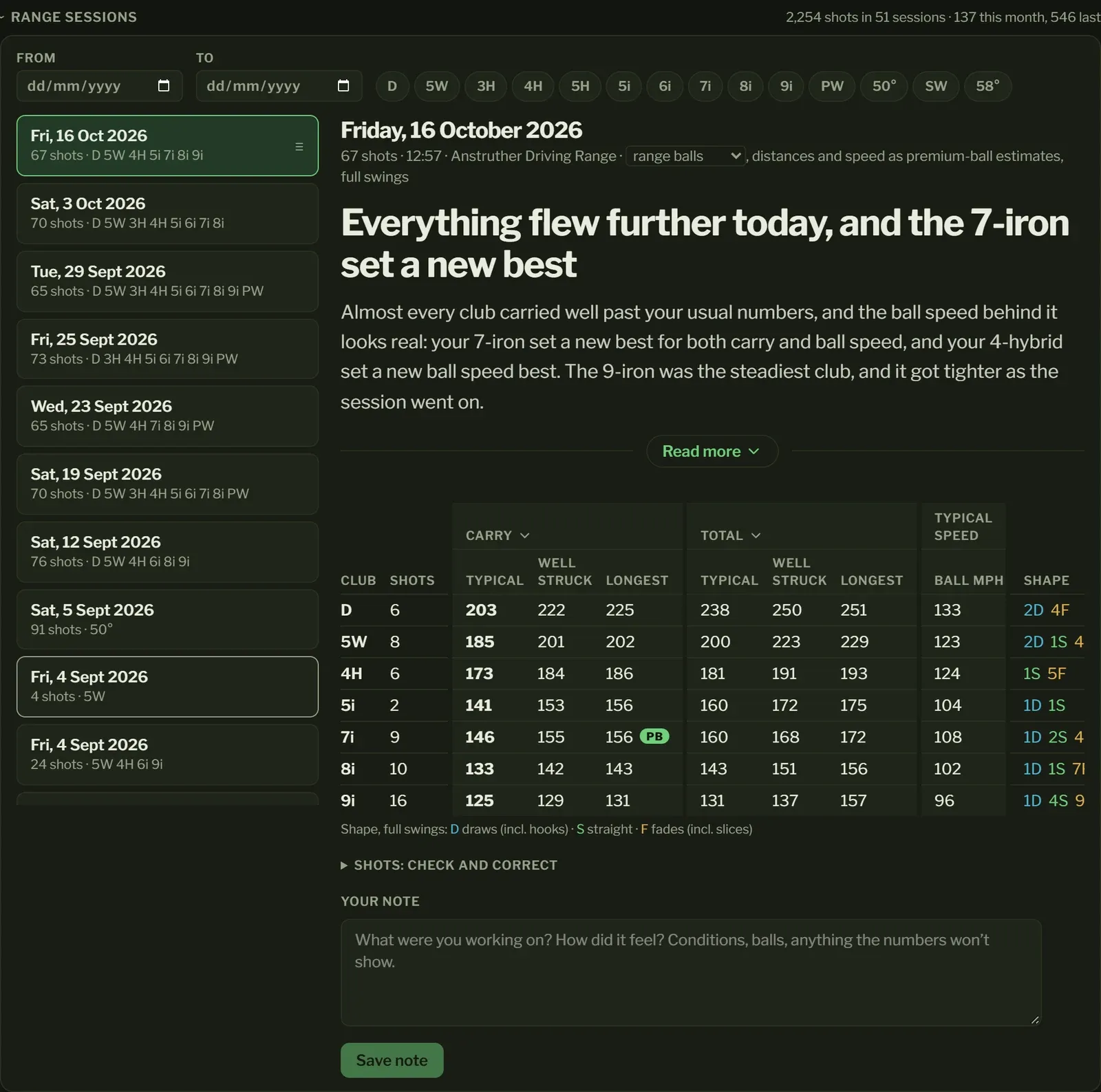
Section titled “Reading a session”Open a session to see a row for each club:
- Shots: how many full swings you hit with it.
- Carry: your typical carry, the middle of your shots.
- P90: your good-day carry: only one shot in ten went further.
- Max: your longest carry with it that session.
- Ball mph: your typical ball speed.
- Club mph and Smash: how fast the club was moving, and how much of that speed reached the ball (ball speed divided by club speed). They’re there when your launch monitor measures the club.
- Shape: how many drew (D, hooks included), went straight (S) or faded (F, slices included). For left-handers these are from your side of the ball.
Sort by any column by tapping its heading. Only full swings count, so a few half wedges don’t drag a club’s numbers down. See How your numbers are worked out.
When your launch monitor measures the swing itself, Swing under the table has a line for each club, such as “Path 2° in-to-out · face 1° closed to it · hitting down 3°”: the direction the club was travelling through the ball, where the face pointed against that path, and whether the club was coming down or up. They’re your typical full swing that session, worded for the side of the ball you stand on.
Correcting shots
Section titled “Correcting shots”Open Shots: check and correct to see every shot. Tick the ones to change, then:
- Exclude leaves them out of all your numbers and summaries: a mishit, someone else’s shot, a bad reading. Include brings them back. They stay left out even if you import the file again.
- Change club to… and Apply moves them to the club you really hit, if you forgot to change it on the launch monitor. Reset club goes back to the one the launch monitor recorded.
A shot whose club name isn’t a club shows that name, greyed, and is left out of your numbers until you pick the name’s club under Your bag in Settings.
The list has the club’s numbers for each shot too, where your launch monitor measures them: Club mph, Smash, Path, Face (against the target), Attack (minus is hitting down) and Loft (the loft at impact). For side, path and face, minus is to the left and plus to the right.
Shots the launch monitor marked as less accurate are labelled low confidence and left out of your numbers already.
Sharing a session
Section titled “Sharing a session”Press Share session at the top of a session to send it to a friend, your coach or anyone else. Pick what to share at the top:
- Picture for feeds: each club’s carry and how far your full swings went left and right of the target, all on one scale, so a tighter club looks tighter. Under Carry, show your Typical carry, your Longest, or Both. A longest that beats every shot you’ve hit with that club before gets a PB badge.
- Sheet for a coach: every club’s ball and club numbers in one table. Each number is the middle of the club’s full swings, with a strip under it marking every one from the lowest to the highest, so a coach can see the spread, not just the middle. If your attack angle was minus 5 one swing and plus 5 the next, the strip shows both. Under the table is where every shot landed. The numbers are as your launch monitor measured them: for side, path and face, minus is left and plus is right.
- Shots CSV: every shot and every reading as a spreadsheet, to open in Excel, Numbers, Google Sheets or anything else. Excluded and low-confidence shots are in it too, marked, so whoever opens it sees the whole session.
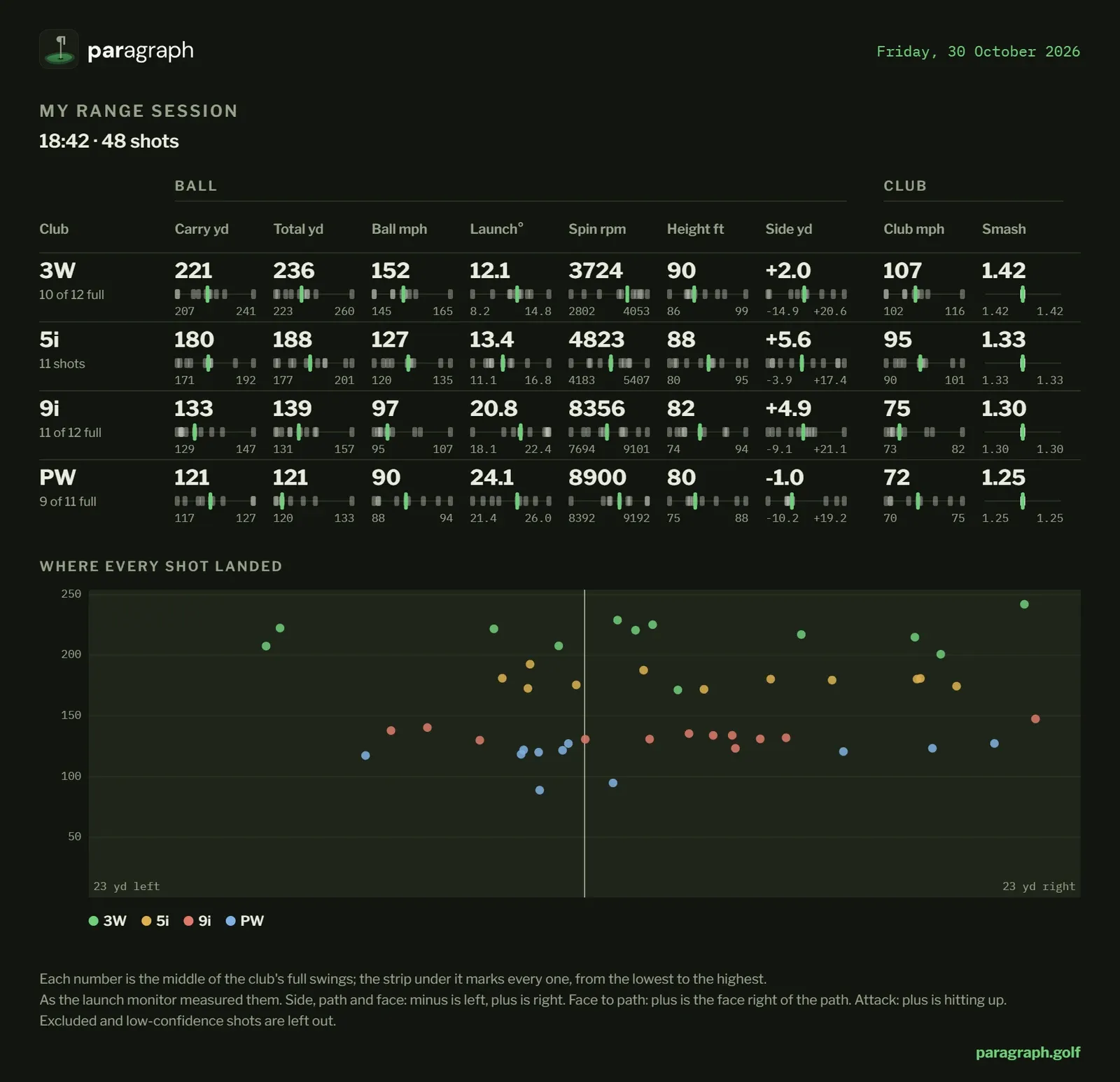
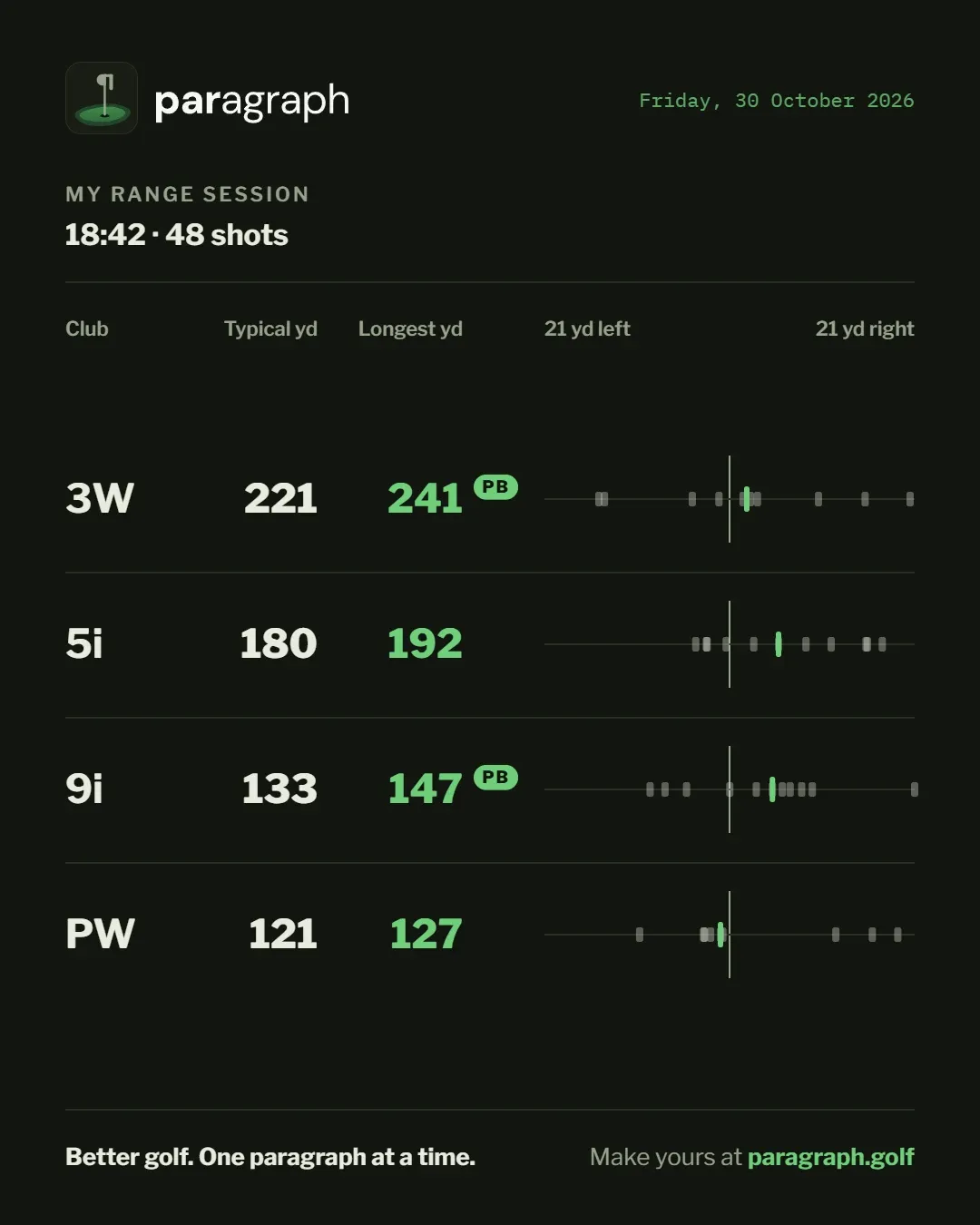
Your name and where you hit are left off the picture and the sheet until you turn them on. Then Share sends it, or Save keeps it on your device. On a computer, Copy picture puts the picture on your clipboard to paste. Only what you share leaves your device: nothing is published, and there’s no link to your account.
Your note
Section titled “Your note”Write what you were working on, how it felt, the conditions, the balls: anything the numbers won’t show. Press Save note. Your note is taken into account when the session’s summary is written, and the summary is rewritten when you change it.
Summaries
Section titled “Summaries”A summary is a short paragraph on what the session means for your game, in plain words: whether it bears out how it felt, how it fits with your last few sessions, how it went from start to finish and, where your watch tracked your rounds, what it means on the course. It’s written from your numbers and your notes.
- Your latest session gets one by itself, shortly after you import it, if it’s from the last week.
- For an older session, press Write a summary. It’s usually ready in under a minute.
- If you correct shots or change your note, the summary is marked out of date and written again.
- A session with only short-game shots, or none with the clubs in your bag, has no summary.
- Your plan gives you summaries for a number of sessions or rounds each month, each counted once that month. Your overall summary comes with them. It only limits the summaries: you can import as much as you like.
- Writing a summary again, after you correct shots or change your note, is limited each month too, well above ordinary use. When you reach it, the app says Rewrite limit reached. and the summary stays as it was until next month.
Summaries stick to what your numbers show. They don’t give swing tips: that’s between you and your coach. You can turn them off in Settings; then none are written and nothing is sent to write them.