

Upload history and undo
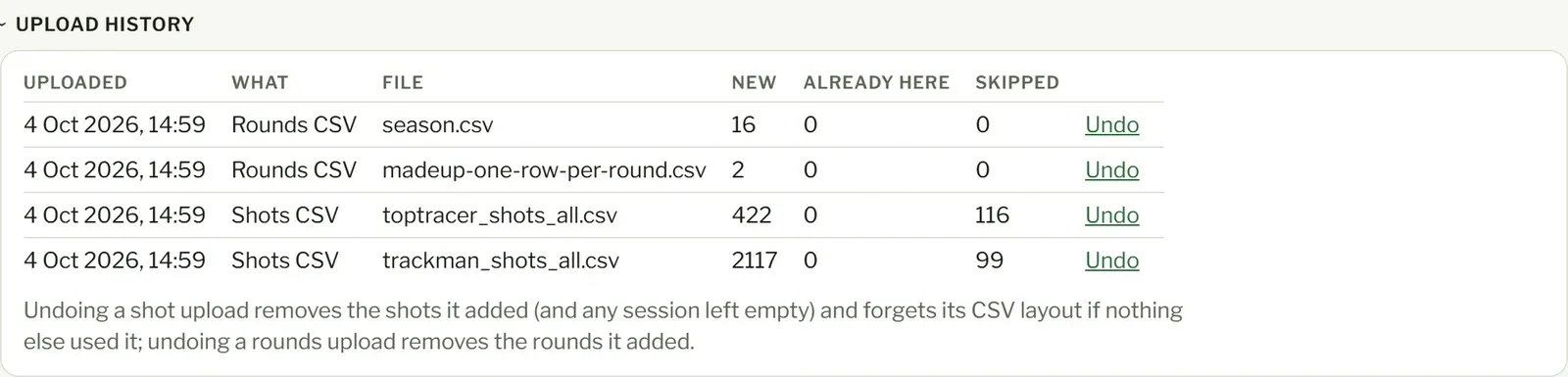
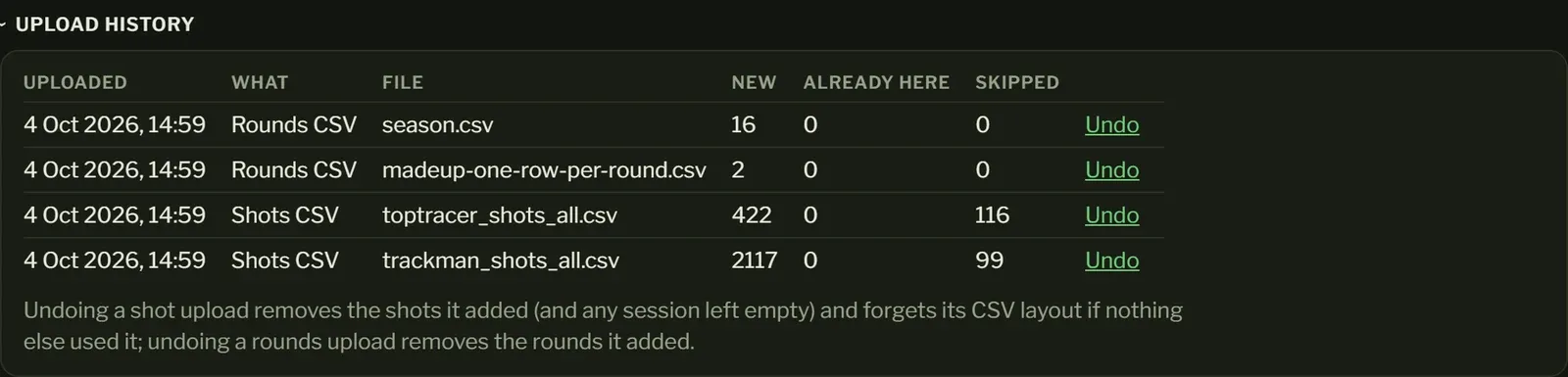
Upload history, at the bottom of the Import page, lists your last 20 uploads: when, what kind, the file, and how many shots or rounds were new, already here or skipped. Tap it to open it.
Undo an upload
Section titled “Undo an upload”Press Undo next to the upload and confirm. What it added is removed: its shots (and any session left empty) or its rounds. Anything it only updated stays as it is. The file stays in the list, struck through, with the date you undid it.
Undoing an upload leaves the columns as you set them: the next file in that layout opens with them, for you to check and change before importing. Uploads that added nothing are greyed out, with nothing to undo.
Imported with the wrong unit or date order? Undo it, then import the file again and fix the columns.